Doodle Run

Game Lab 2026
1st RUNNER UP
A little escape on paper. Draw your way across the page, one pencil line at a time.
Game concept
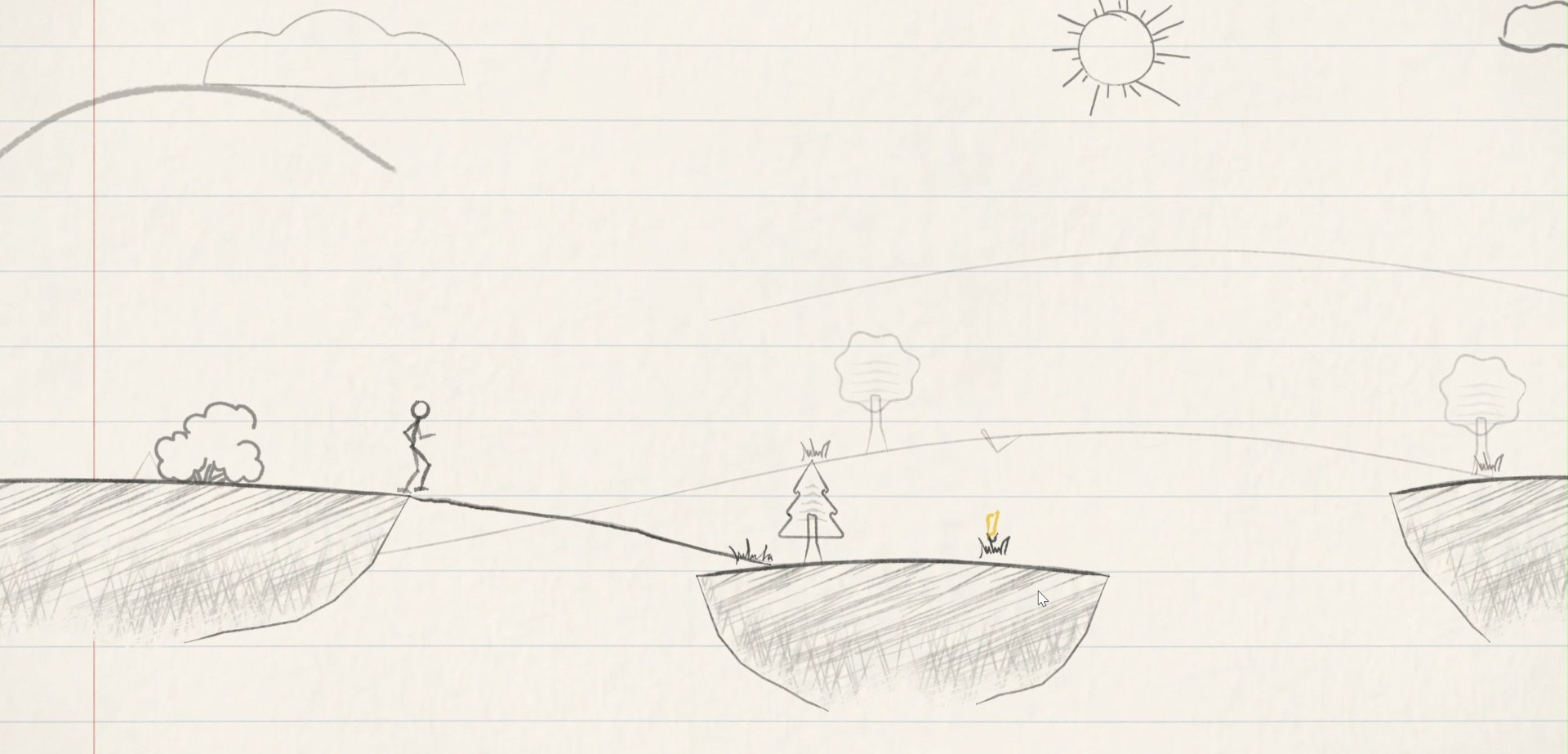
You don't steer. You draw.
Doodle Run is an endless run across a notebook page. The little doodle runs on its own; your job is to draw its path: pencil bridges across the gaps, ramps that launch it over chasms, little walls that stop rolling ink and shields against dripping ink.
Grey pencil obstacles can be scrubbed away with the eraser. Blue pen ink is permanent, so you have to find a way around it. And the pencil runs out as you draw, so every line is a choice.
Genre
2D endless runner
Engine
Unity 6 · WebGL
Plays on
Desktop and phone browsers
Score
Distance in metres
Design pillars
Draw your own path
Pencil is a budget
Grey erases, blue doesn't
Waves of new ideas
Notebook charm
Core loop
Run, read, draw, repeat
The doodle keeps running while you read the page ahead: gaps, climbs and drops, obstacles and pencil pickups. You draw, erase or hop to get past each one, top up on yellow pencils, and go a little farther than last time.
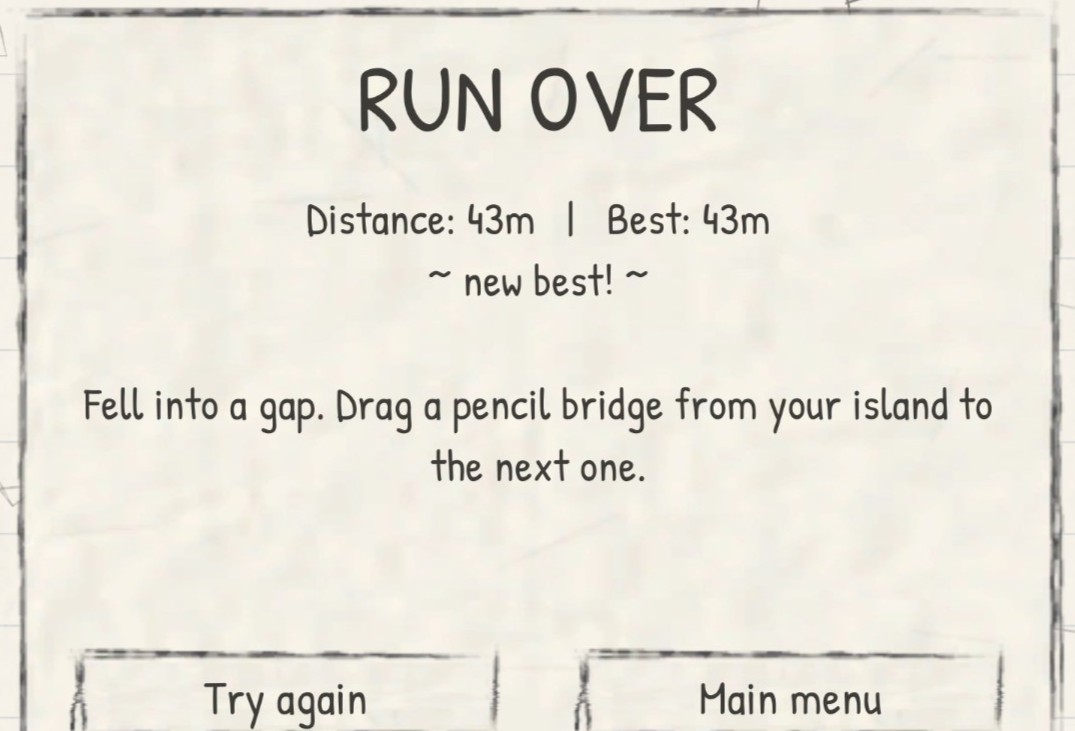
Fall into a gap or touch ink and the run is over. The card tells you how far you got, your best, and exactly why you lost, so the next run starts with a lesson.
Menu
→
Run
→
Read the page
→
Draw · Erase · Hop
→
Refill
→
Go farther ↺
Pacing
Waves of islands
The run doesn't just get harder in a straight line. It comes in waves built on novelty, intensity and tension, and speed follows the same curve. Every wave starts a little harder than the last.
01
Recovery
Island 1
A wide, calm island with a bigger pencil refill and no obstacles. Speed eases off.
02
Novelty
Island 2
The wave's new idea appears on its own, with a one-line tip card the first time.
03
Build
Islands 3–5
Ideas you already know come back more often; gaps, climbs and speed grow.
04
Peak
Islands 6–7
An island obstacle and a gap challenge on the same island.
One new idea per wave
1. Pencil rocks and spikes
2. Blue ink splats
3. Risky bonus pencils
4. Big gaps and ink geysers
5. Rolling ink stones
6. Ink splats in gaps
7. Cave tunnels
8. Falling ink drops
Core mechanics
One finger, four moves
Everything is played with one finger or the mouse; the keyboard is optional.
Drag
Draw a bridge
Upward arc
Make a ramp
Tap · Space
Hop
Scrub
Erase
Esc
Pause
Pencil bridges
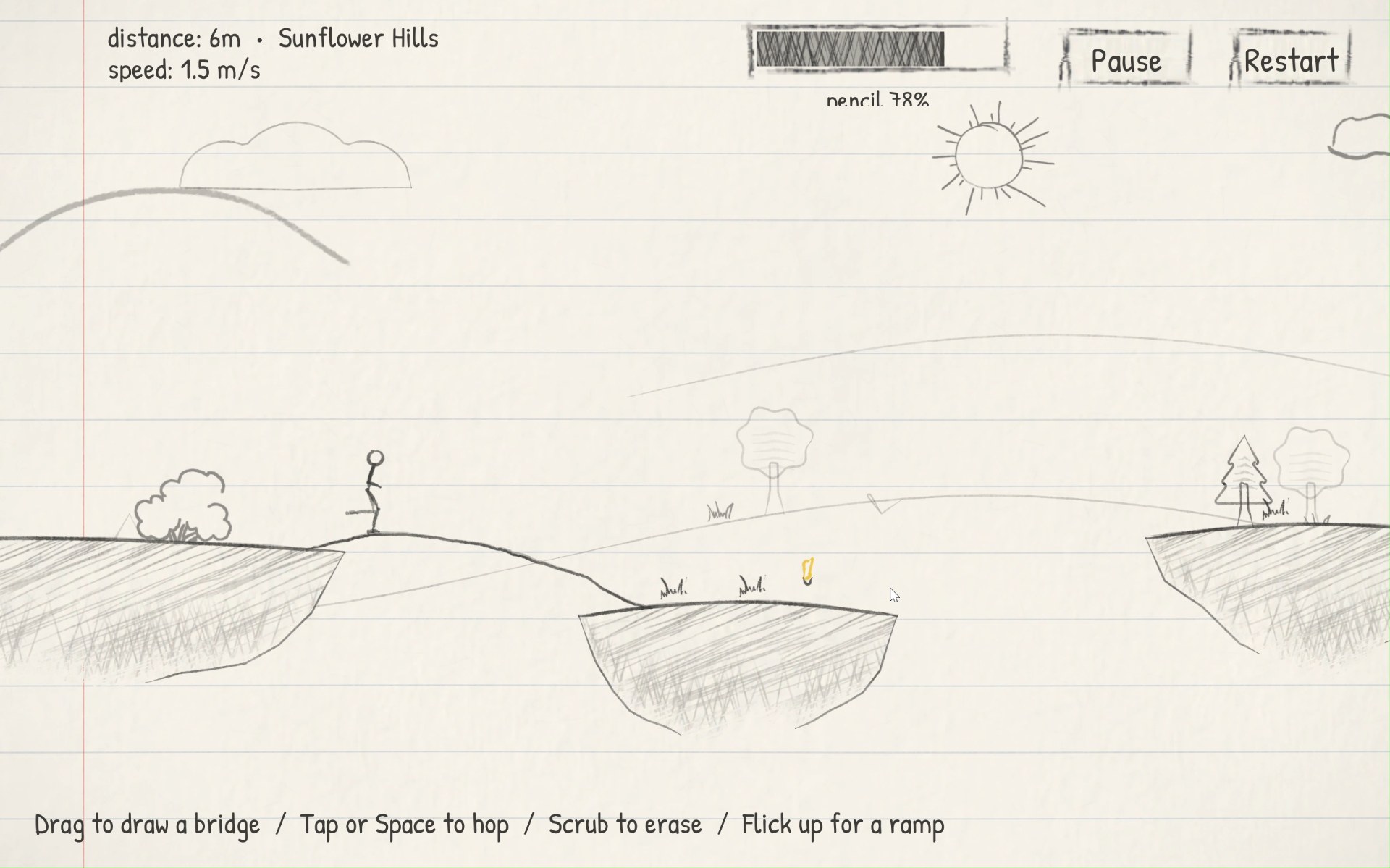
Drag to draw. A line grabs the island it starts on and ends exactly where you lift. Small misses are forgiven with an automatic little hop.
Ramps
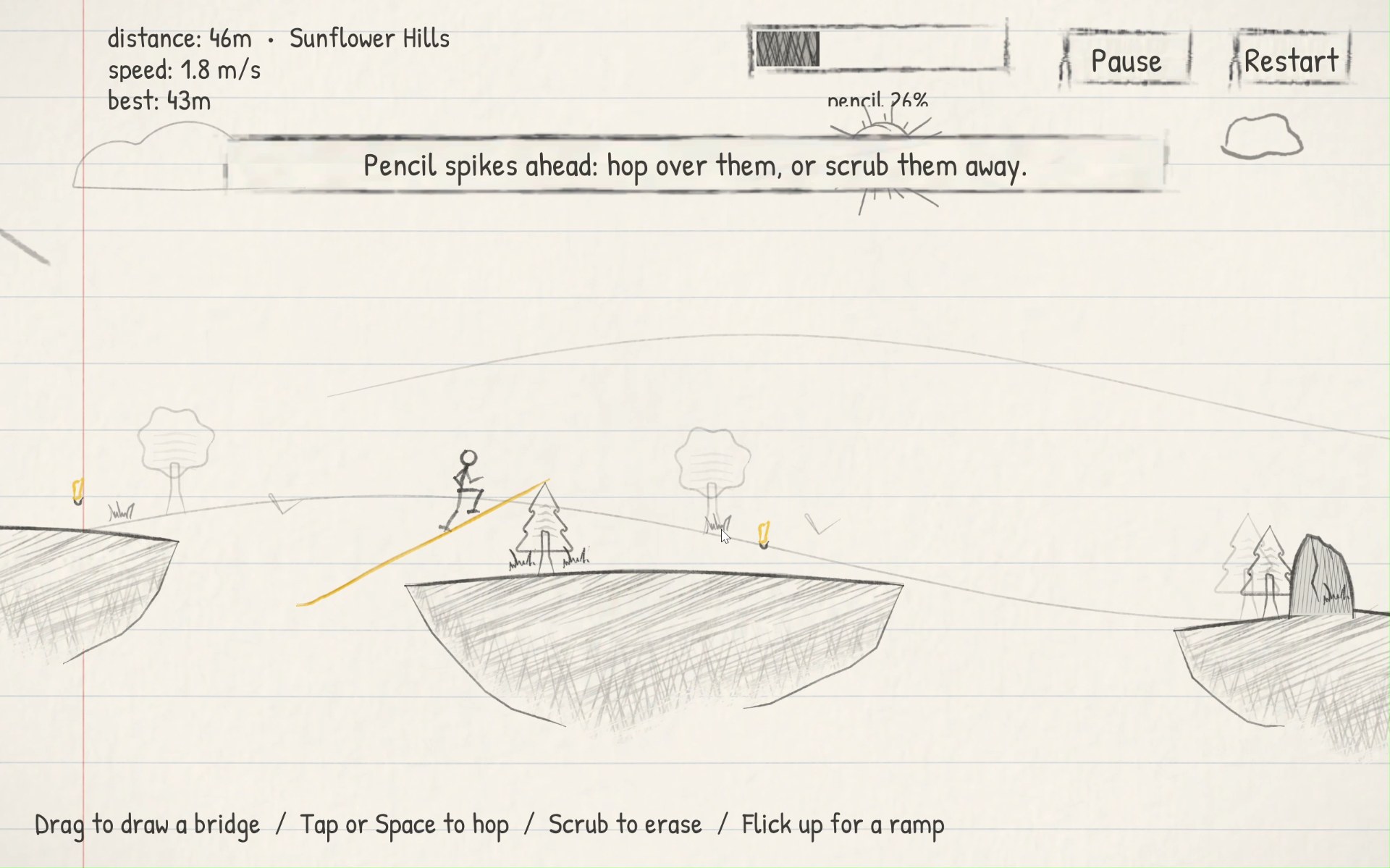
Curve or flick a line upward at its end and it turns yellow. A dotted arc shows where the doodle will land before you even lift the pencil.
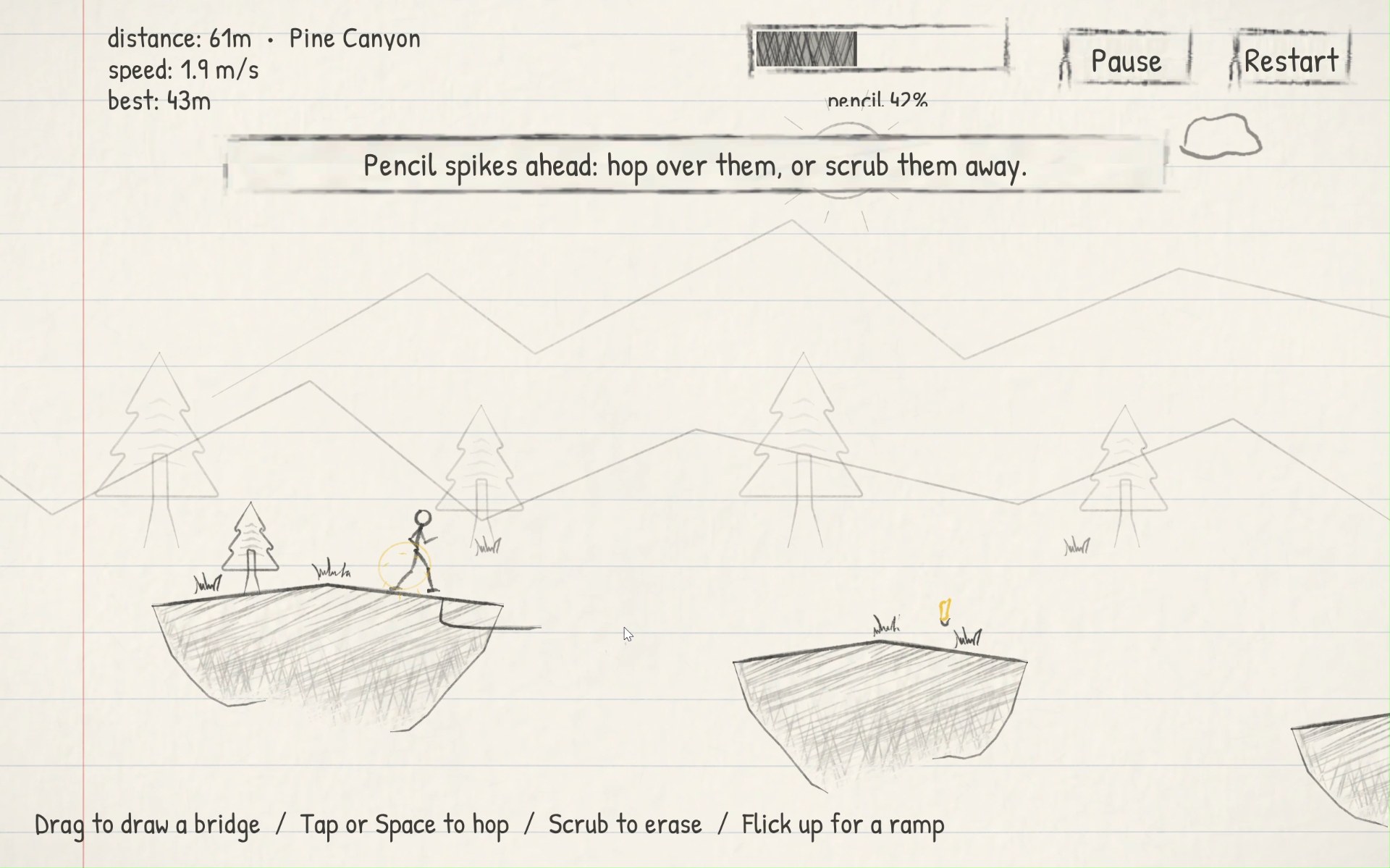
Hop
Tap or press Space for a small hop. It clears knee-high spikes, but it's always shorter than the narrowest gap, so gaps still need drawing.
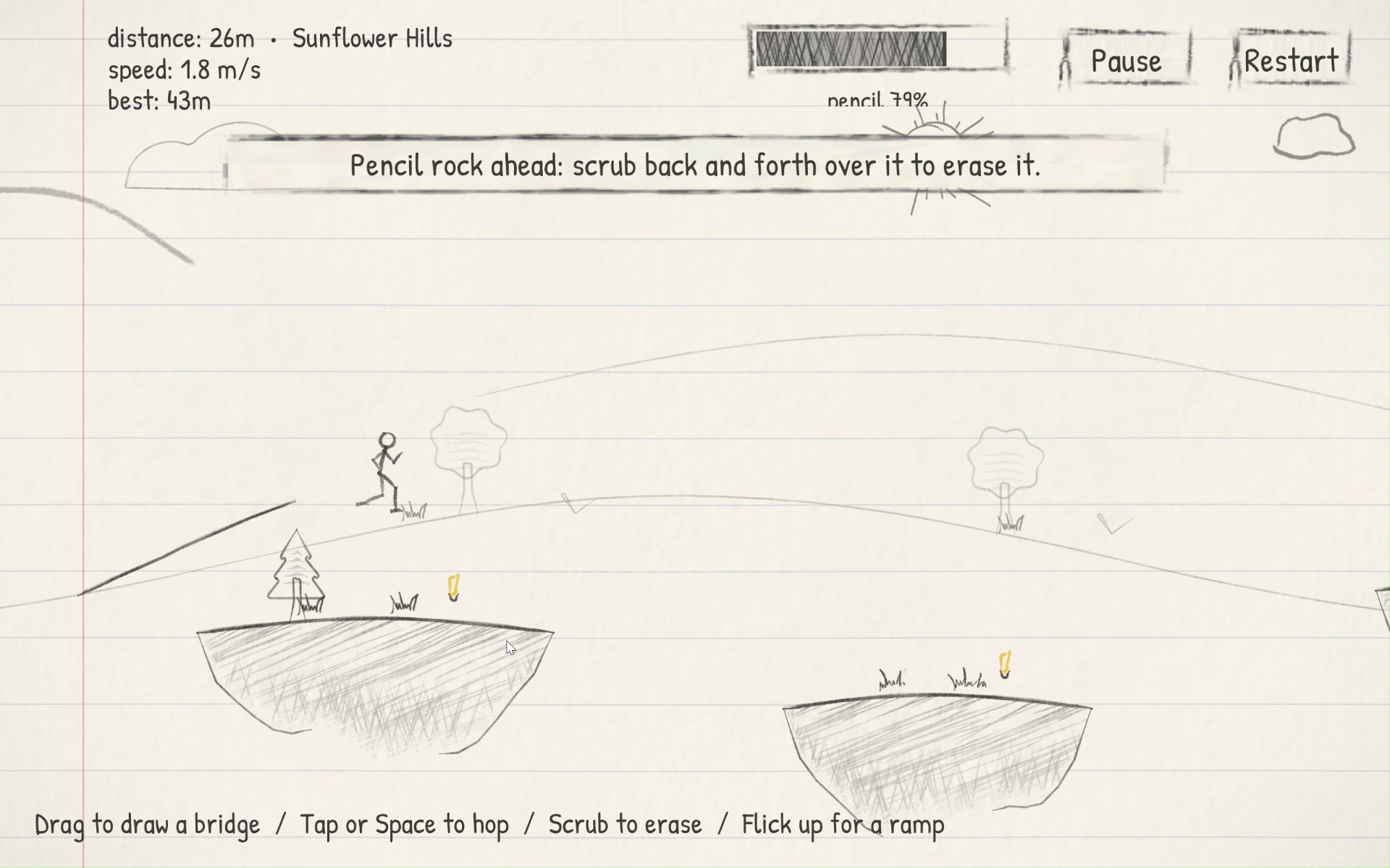
Erasing
Scrub back and forth and the pencil flips to its pink eraser. Rocks, spikes and cave doors fade with each rub and vanish after about three passes.
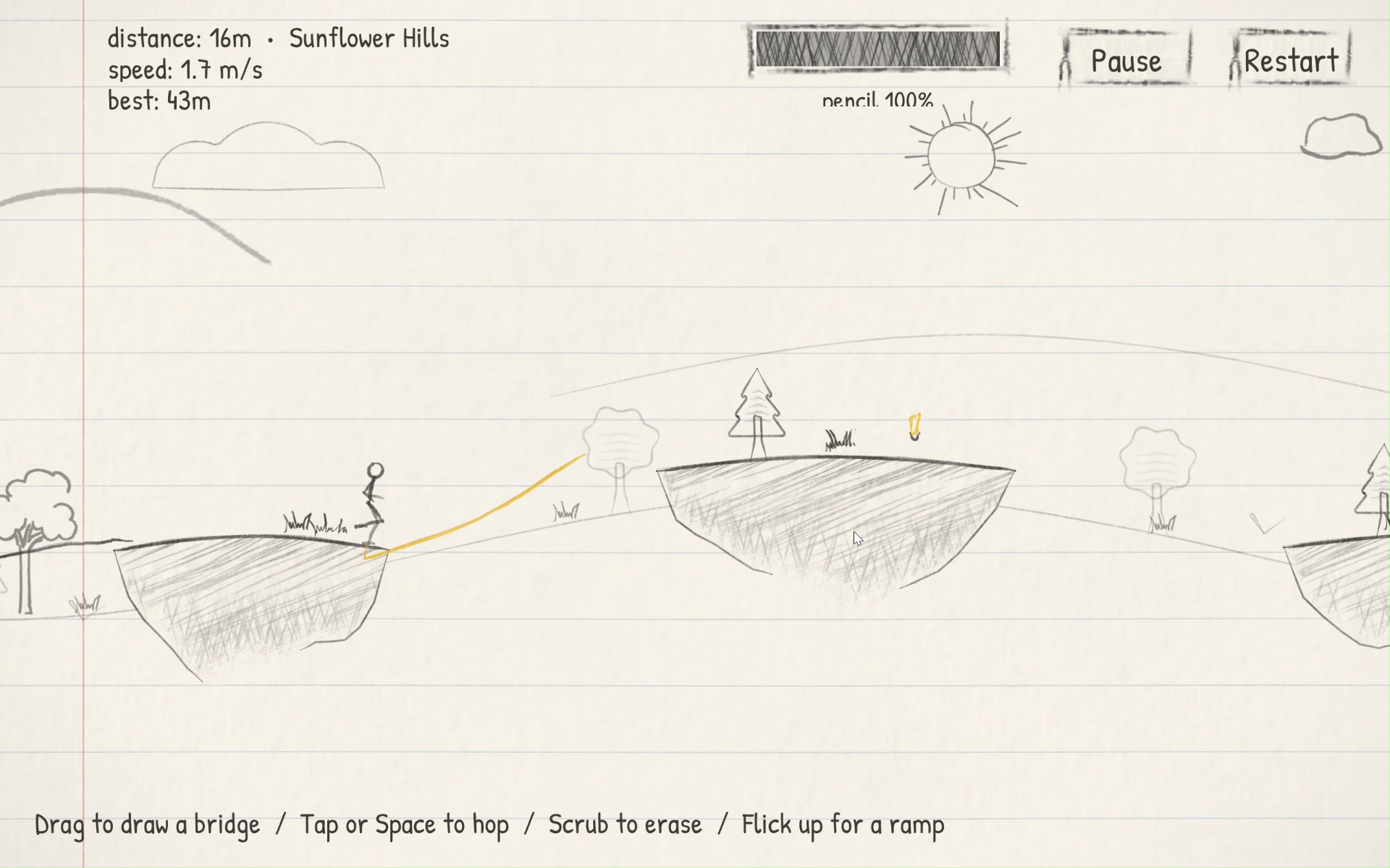
Pencil budget
Every bit of line costs pencil. Yellow pencils on each island refill it, and risky bonus pencils float high over some gaps for anyone brave enough to arch through.
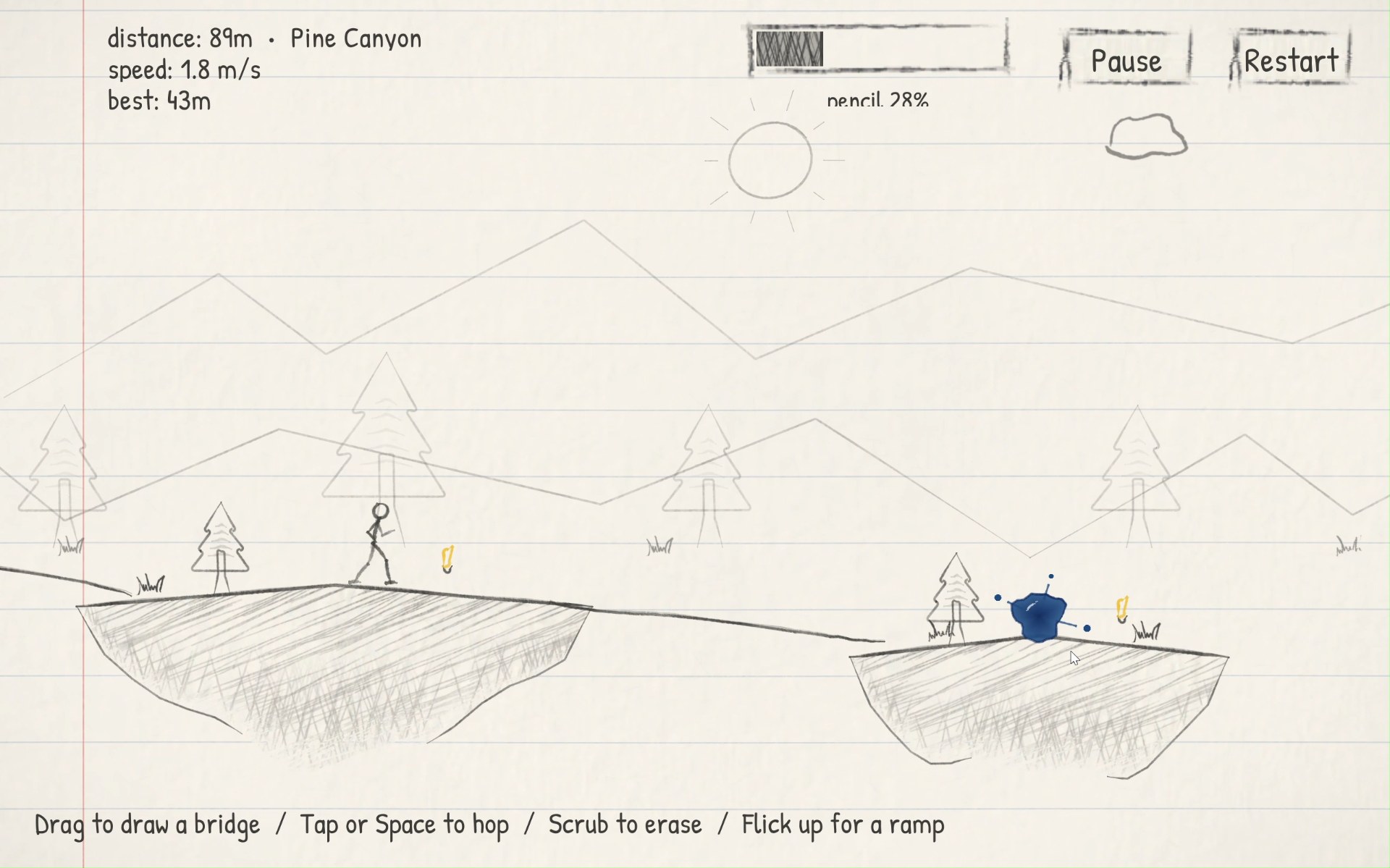
Blue pen ink
Ink splats, rolling stones, falling drops and geysers are permanent and deadly to touch. Draw over them, wall them off or shield yourself.
Obstacles
Grey can be erased. Blue cannot.
One readable rule carries the whole game: anything drawn in grey pencil can be rubbed out, anything in blue pen ink is permanent. The colour tells you what to do.
Grey pencil
Pencil rock
Too tall to hop. Scrub it away, or draw a route above it.
Pencil spikes
Knee-high. Hop over them or scrub them away.
Cave tunnel
The roof is too low to hop. Erase the rock in its mouth, then run straight through.
Blue pen ink
Ink splat
Deadly and permanent. Draw your path over it.
Rolling ink stone
Rolls back towards you. Draw a little wall and it bursts.
Falling ink drops
Gather at the top of the page. Draw a shield above the doodle.
Ink geyser chasm
A wide drop with ink rising through it. Ramp right over it.
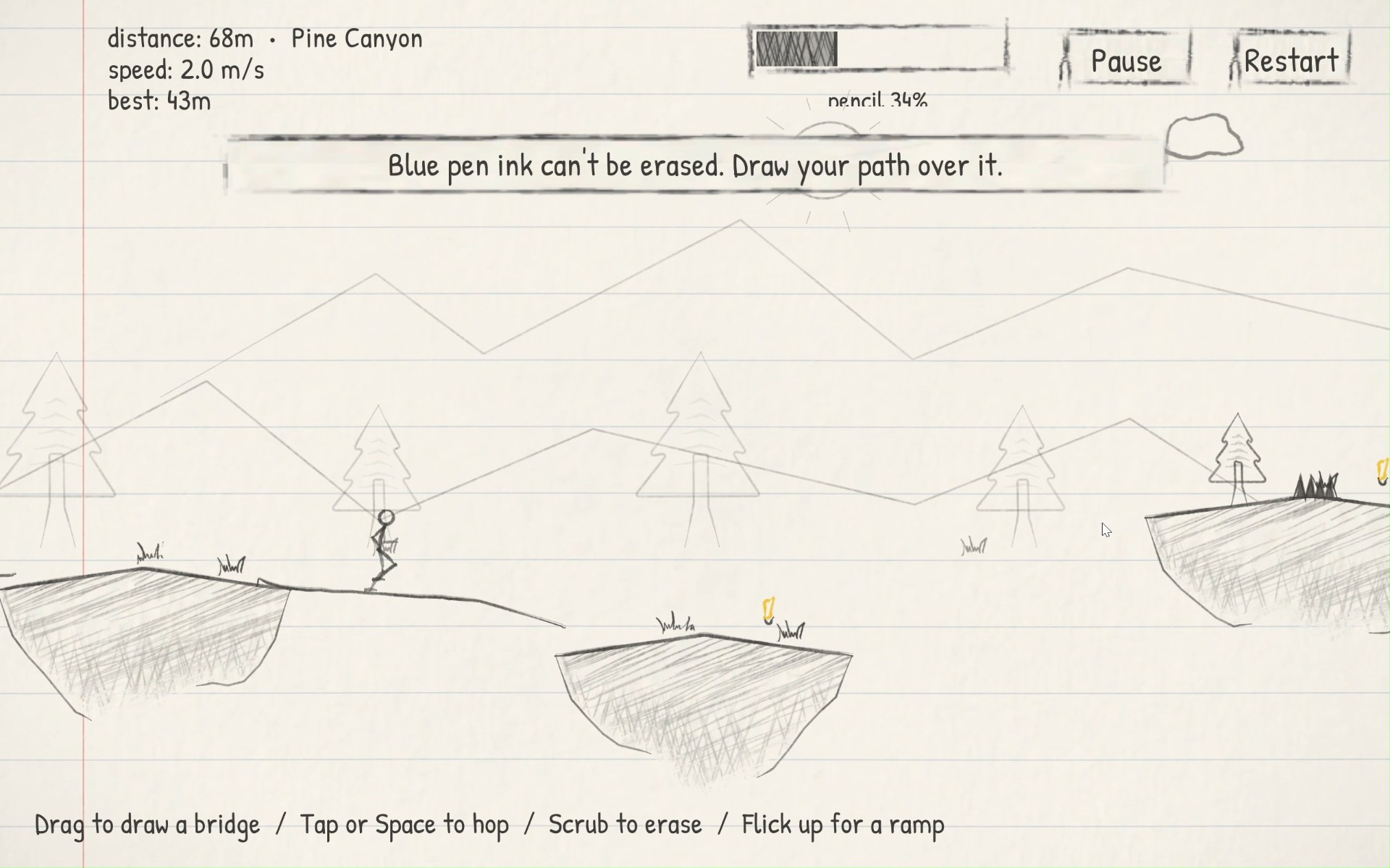
Look and sound
Graphite on a notebook page
Everything sits on ruled notebook paper with a red margin line. Pencil lines have a stroke texture and a gentle boil, redrawn with a tiny wobble about six times a second. Islands are hatched and cross-hatched, and the scenery mixes generated skylines with my own scanned doodles of the sun, hills, trees and clouds.
Colour only when it means something
Paper
Graphite
Pencils & ramps
Eraser
Warnings
Pen ink
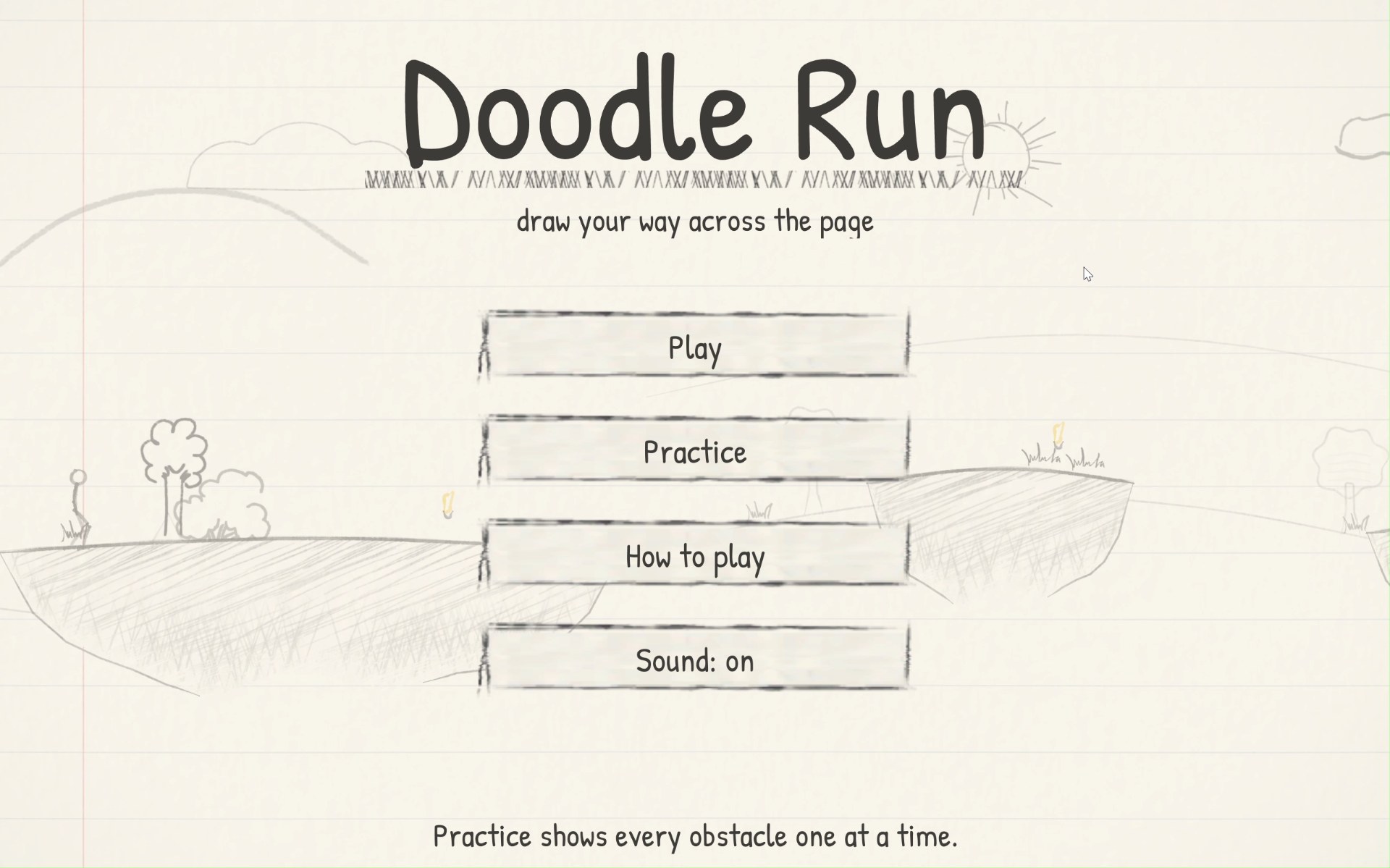
Main menu
Big hand-lettered title with a hatched underline.
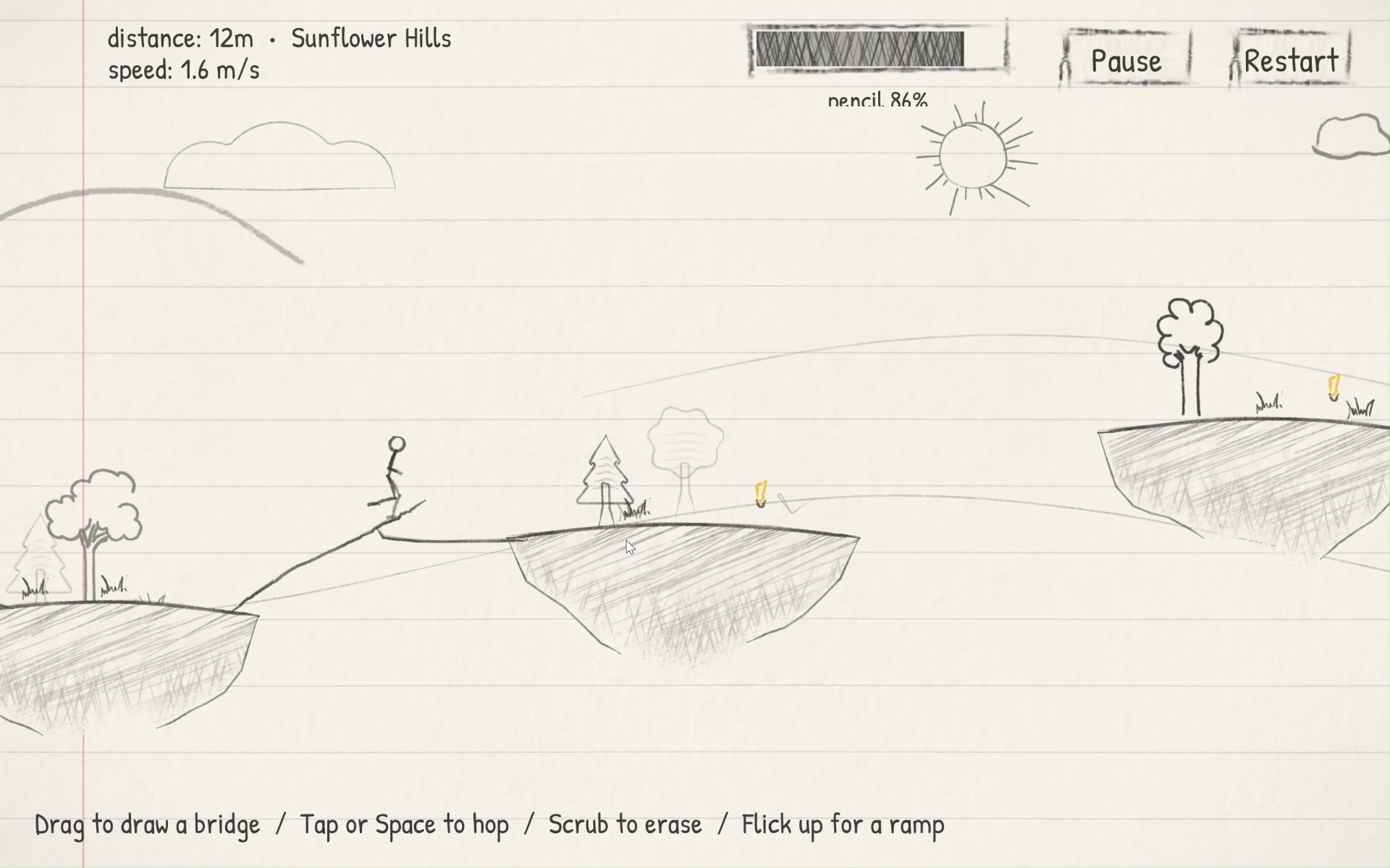
Sunflower Hills
Distance, area name, speed and the shaded pencil bar.
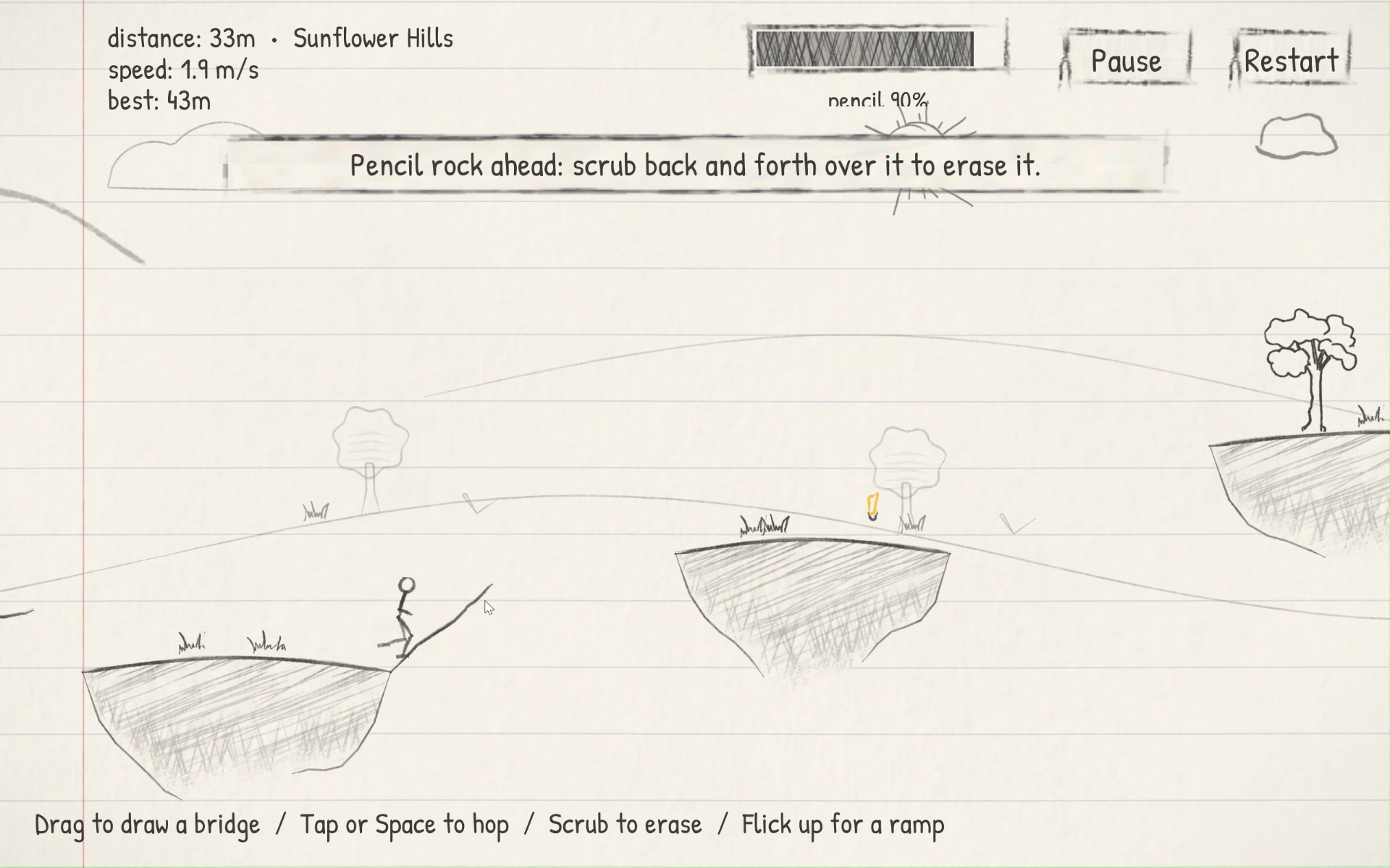
Tip cards
The first time a new idea appears, a one-line tip explains it.
Every sound is made in code
There are no audio files. A pencil scratch while drawing, an eraser rub, a pickup tick, a landing thud, a click when a bridge connects, a paper rip when the run ends on a hazard, and a cartoon slide-whistle the moment a fall becomes certain, which stops if a new line catches the doodle.
Under the hood
From prototype to build
Doodle Run began as an HTML prototype with falling graphite, an avoid control and an automatic jump over small gaps. The Unity version replaced all of that with free drawing, erasing, blue ink and ramps, and a layout planner that keeps the page going forever.
Closing reflection
Thanks for running along
Working on Doodle Run taught me how a simple idea can evolve into an interesting and challenging gameplay experience. I experimented with drawing and erasing mechanics, trying to make them feel intuitive while keeping the gameplay fast-paced and engaging.
Made in Unity 6. Scenery drawn from my own scanned doodles.
Get Template